Settings
Settings
Customize the Tool to Fit Your Organization
The Settings module is where you configure how the system works. Here, you define parameters, enable features, organize data structures, and tailor CIQ ITAM to your company’s environment. It’s the starting point for strategic customization.
Timezone Settings
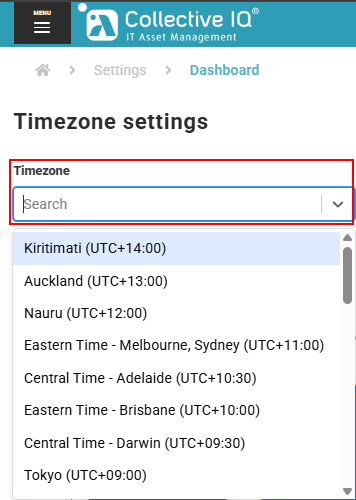
The “Timezone Settings” feature allows you to configure the correct time zone for a device, system, or application. This ensures that all times, such as system logs, scheduled tasks, and displayed dates, match the local time of the user or organization’s location.
Dashboard color settings
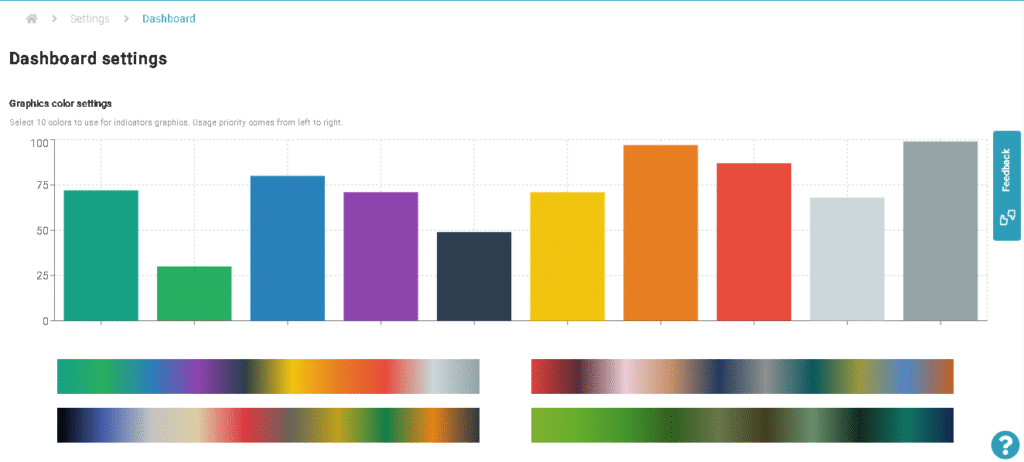
Through the CIQ ITAM Dashboard Settings configuration option, it is possible to select 10 colors to be used in the indicator charts. The priority of use is from left to right.
After making any changes the save and cancel buttons will appear in the center of the page below the color bar. Click the save button to apply the changes as desired.