
AlmaIQ in Collective IQ DEX®
AlmaIQ in Microsoft Teams
Using AlmaIQ in Microsoft Teams
1. In Microsoft Teams, add a new app.
Microsoft Teams > + Apps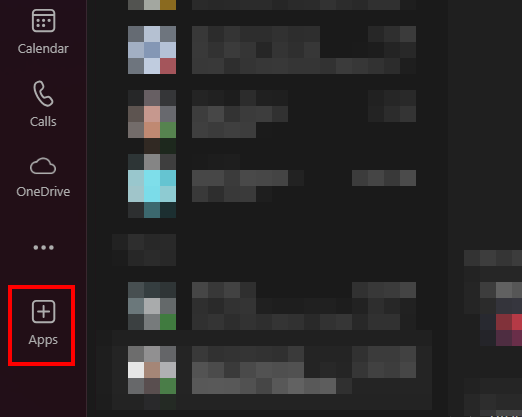
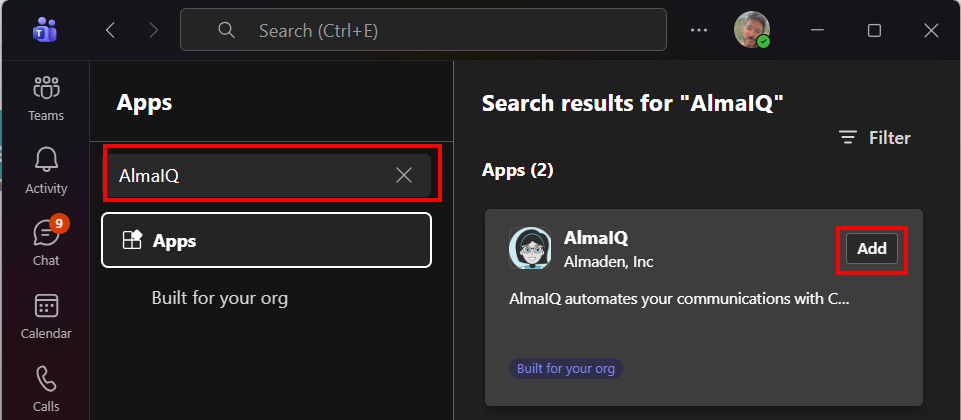
2. Search “AlmaIQ”
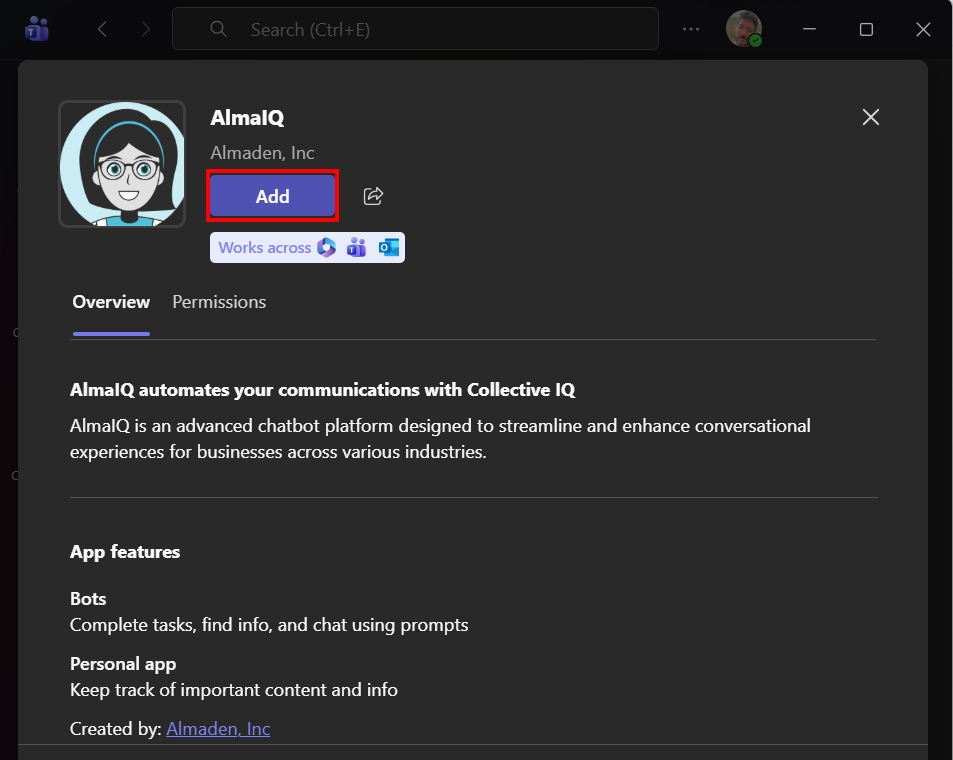
Search for “AlmaIQ” and add the app.
3. Start a chat with AlmaIQ
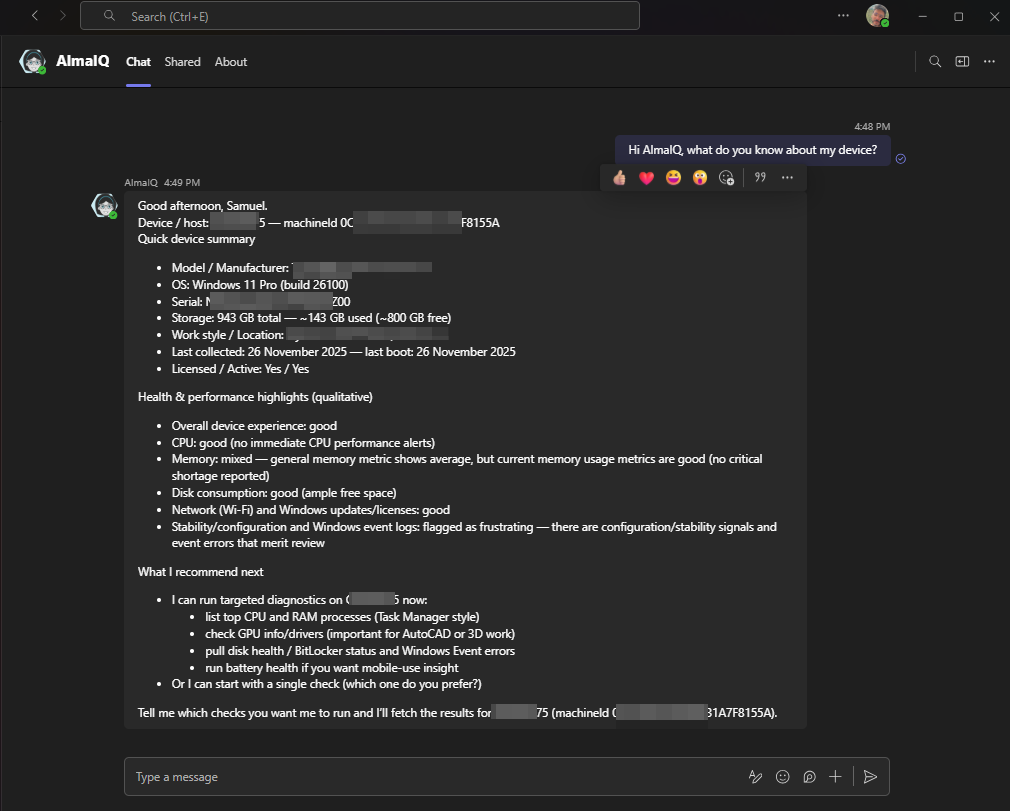
AlmaIQ will be listed as a contact; start interacting with it!
AlmaIQ + AlmaKnowledge
Technical knowledge in the hands of employees
On top of Collective IQ® DEX, AlmaIQ can be enhanced with AlmaKnowledge, the organization’s knowledge management platform.
In AlmaKnowledge, you can:
- Add text-based knowledge (articles, procedures, FAQs, internal manuals)
- Upload files (PDFs, technical documents, guides, presentations)
- Register URLs (internal wikis, knowledge bases, support pages)
AlmaIQ then starts to:
- Query real device information (via Collective IQ® DEX)
- Cross-check it with the AlmaKnowledge base
- Deliver richer answers, such as:
- Step-by-step troubleshooting
- IT-recommended procedures
- Company policies
- Best-practice guidelines
The result: the employee receives an answer that understands the technical context of their device and follows the organization’s official support standards.
Who can use AlmaIQ?
Access to AlmaIQ is designed to protect data while keeping the experience simple for the employee.
- The employee must be registered as an Employee in Collective IQ® DEX, with a device associated to their user.
- If the company uses the Teams Data Collector integration, this association does not need to be done manually:
- When the employee sends a message to AlmaIQ in Microsoft Teams,
the system automatically identifies the device linked to that user.
- When the employee sends a message to AlmaIQ in Microsoft Teams,
This ensures each employee only sees information related to their own device, following the organization’s security and privacy rules.
